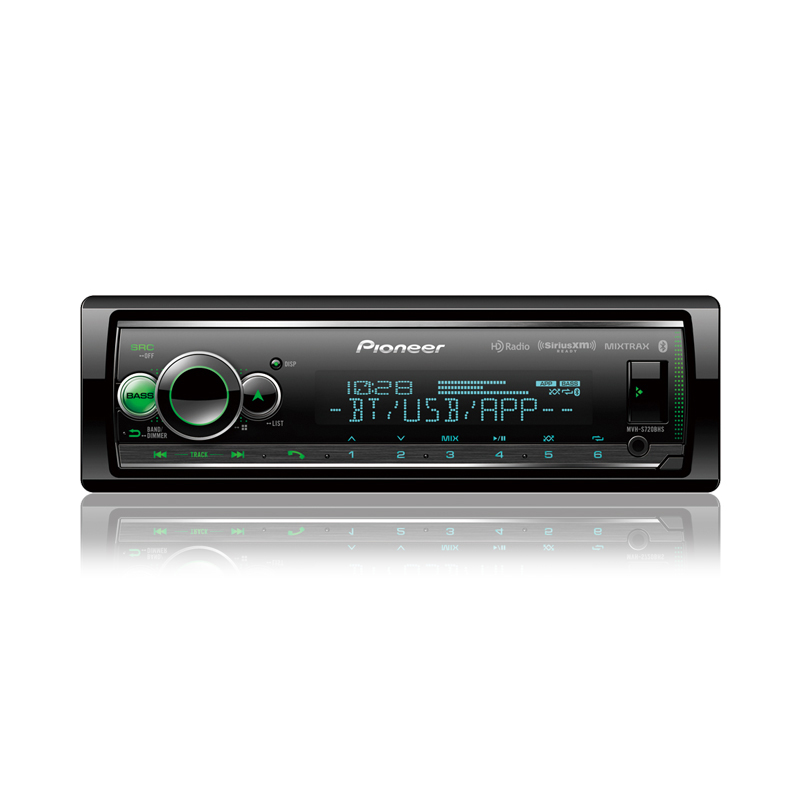
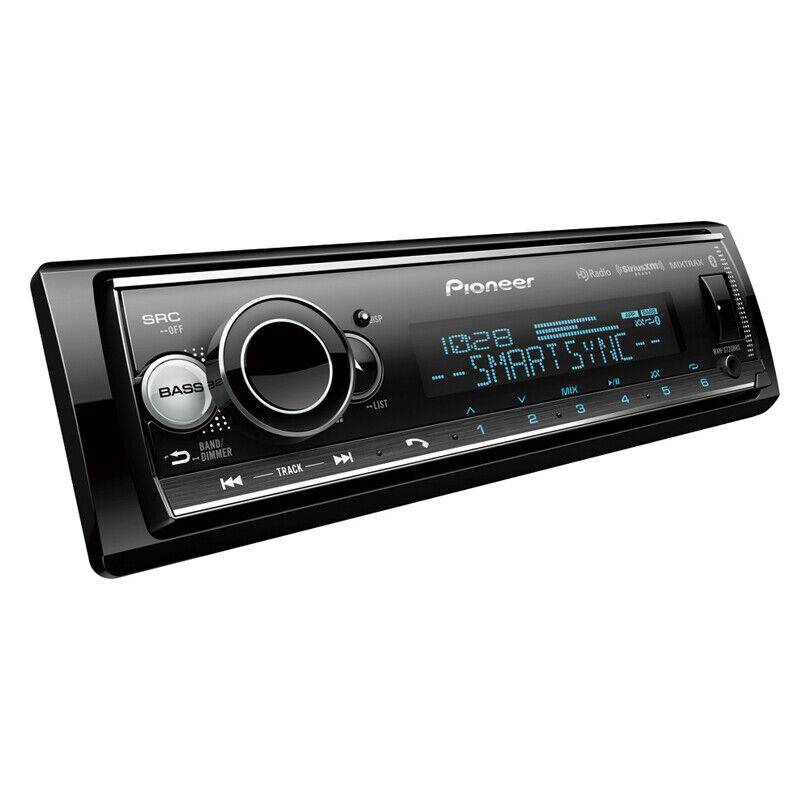
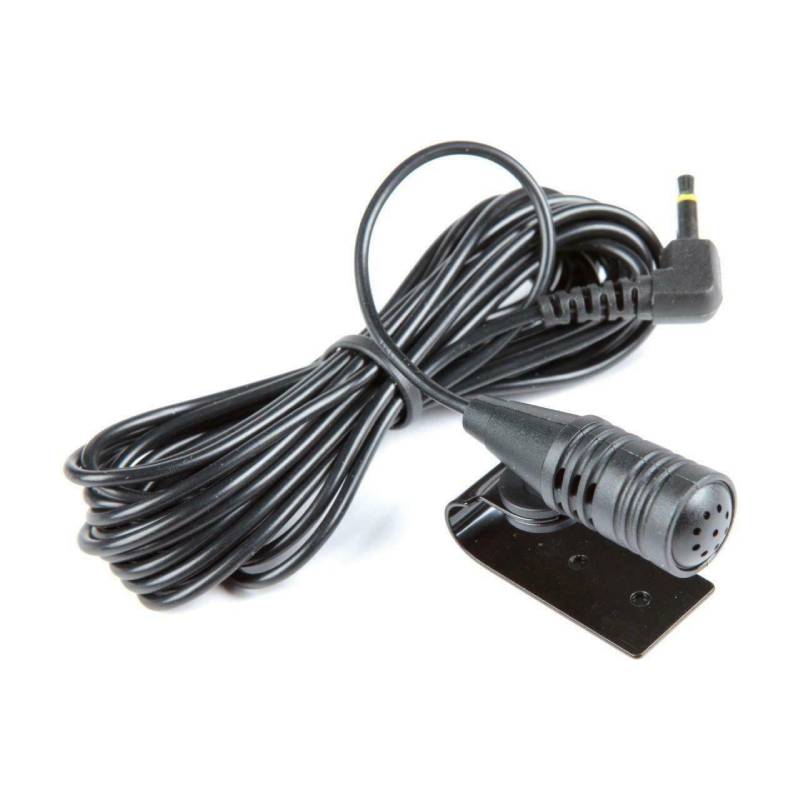
Pioneer MVH-S720BHS In-dash Audio Digital Media Receiver with Amazon Alexa, Pioneer Smart Sync, Bluetooth®, Android™, iPhone®

We are a Pioneer authorized dealer so you get up-to-date, fully warrantied products. Shipping is free to the lower 48 states on everything you order!
What's Inside?
- • Audio Digital Media Receiver
- • Owner's Manual
Why Choose Pioneer MVH-S720BHS Digital Media Receiver?
Features and Exceptional Performance
The Pioneer MVH-S720BHS is a feature-packed digital media receiver in the Pioneer Smart Sync App family, offering seamless smartphone connectivity via Bluetooth, USB, and AUX inputs. Designed for clear, modern in-dash control, its large LCD screen displays full metadata, including song titles, artist names, and album artwork during playback.
13-band Equalizer
Powered by a built-in amplifier delivering 50 watts peak power per channel, this receiver provides crisp, high-output performance. It features a 13-band EQ, high-pass and low-pass filters for precise frequency control, and advanced options like hands-free calling, voice control, and direct support for Pandora and Spotify.
Includes Features Such as Traffic, Parking
The Pioneer Smart Sync app enhances the receiver's functionality by letting you customize the interface and access real-time road updates like traffic, parking, and weather. Overall, the MVH-S720BHS is an exceptional, versatile upgrade for any car audio enthusiast, offering robust Bluetooth, USB, and AUX connectivity paired with a powerful built-in amplifier.
Frequently Asked Questions (FAQ)
- • Why won't my smartphone reconnect automatically through Bluetooth?
This usually happens because of outdated pairing information or Bluetooth settings on your phone. Delete the pairing from both devices and reconnect them to restore automatic pairing.
- • Why does the receiver randomly disconnect from Bluetooth during calls?
Bluetooth interruptions can be caused by phone software issues or wireless interference from nearby devices. Updating your phone's operating system and keeping it close to the receiver often improves connection stability.
- • Why won't my USB flash drive play music?
The receiver may not recognize unsupported file systems or incompatible audio formats. Formatting the drive to FAT32 and using supported music files usually resolves the issue.
- • Why do my radio presets disappear every time I turn off the vehicle?
This typically indicates the constant power and accessory wires are connected incorrectly. Correcting the wiring allows the receiver to save its settings after the ignition is turned off.
- • Why does the music sound distorted even at moderate volume?
Distortion can result from improperly adjusted amplifier gain, damaged speakers, or excessive equalizer settings. Lowering the gain and checking your speakers usually restores clean sound.
- • Can I connect an external amplifier to improve sound quality?
Yes. The receiver includes preamp outputs that allow compatible amplifiers to be added for increased power and improved audio performance.
- • Why isn't Amazon Alexa responding through the receiver?
Make sure the Pioneer Smart Sync app and the Amazon Alexa app are properly installed and configured on your smartphone. A stable internet connection and Bluetooth pairing are also required for voice commands to function.
- • Why won't my iPhone or Android phone charge through the USB port?
Charging issues can occur because of a damaged cable, unsupported device settings, or insufficient power delivery. Try a certified USB cable and confirm your phone supports charging through the receiver's USB connection.
- • Why doesn't the receiver turn on after installation?
A blown fuse, poor ground connection, or incorrect power wiring is the most common cause. Inspect the vehicle wiring, verify the fuse, and confirm both the constant and accessory power connections are correct.